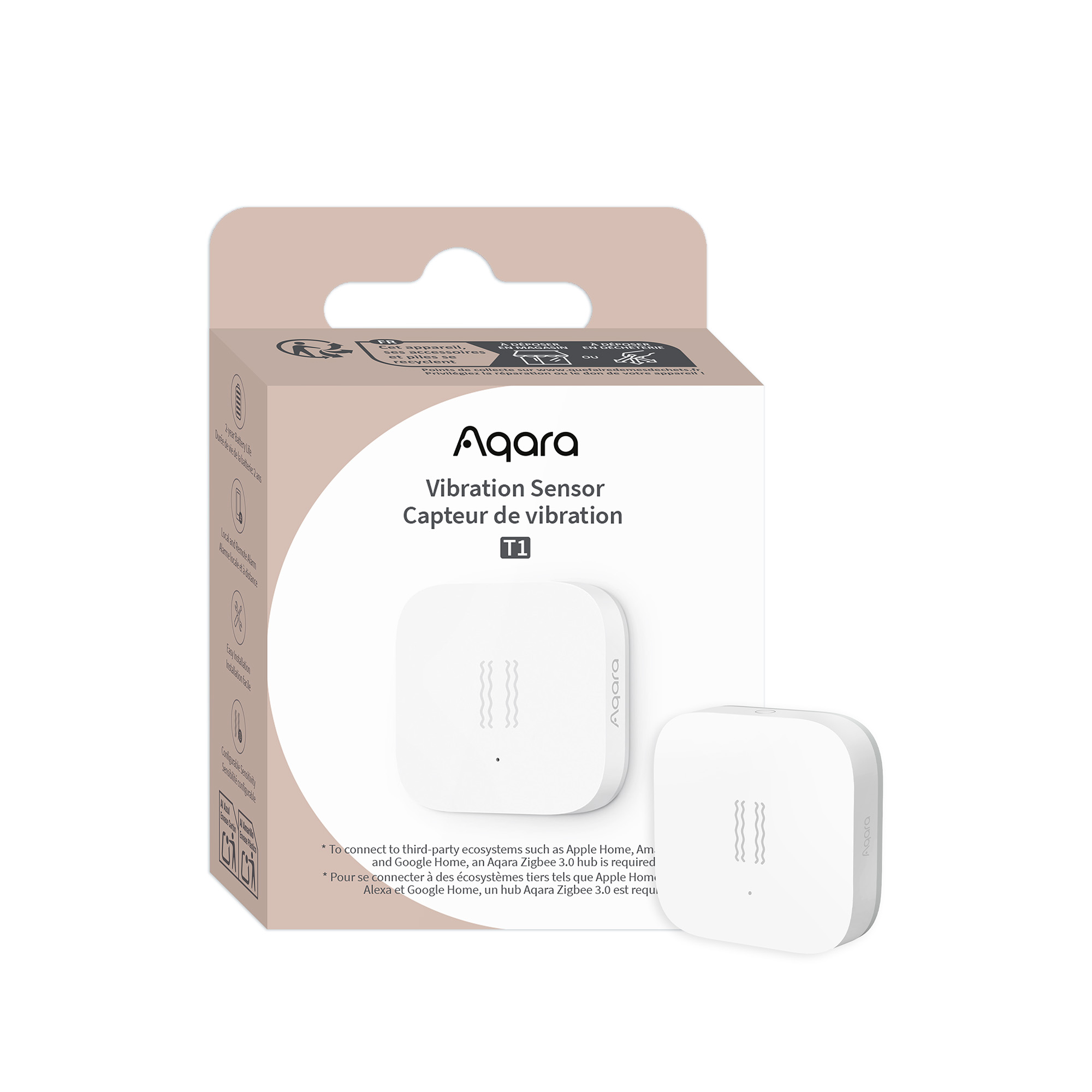
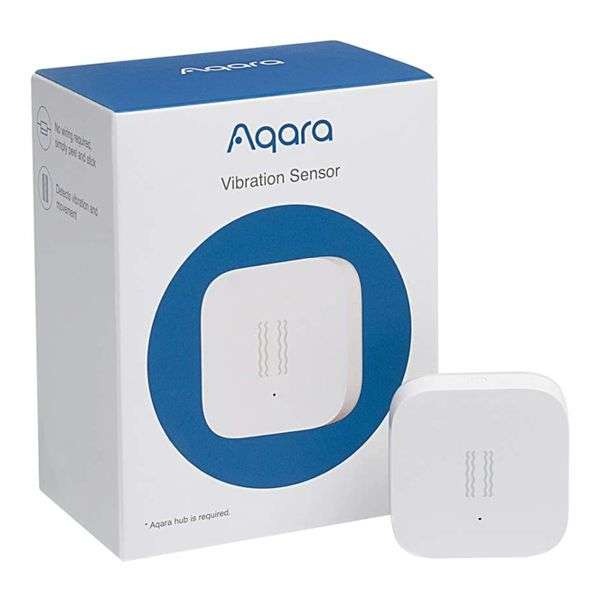
Aqara Vibration Sensor Aqara Vibration Sensor detects vibration and movement at home Wireless Automation | Remote Notification | Adjustable Sensitivity Smart Control in Apple Home App Aqara Vibration Sensor works with other HomeKit-enabled accessories in Home to make your life easier. * Aqara Hub is required to enable this product to work with HomeKit technology. Security Notification When vibration, tilt or drop is detected, Aqara Vibration Sensor will trigger the Hub to sound an alarm and send a notification to your phone. Advanced Technology Aqara Vibration Sensor is embedded with a high precision acceleration sensor. The shell is made of anti-UV material and the color will not fade allowing for long-term usage. It consumes low energy and one button battery lasts about 2 years. Aqara Vibration Sensor Specifications Model:DJT11LM Battery:CR2032 Wireless Protocol:Zigbee Dimensions:36 x 36 x 9 mm (1.42 x 1.42 x 0.35 in.) FCC ID:2AKIT-DJT11LM IC:22635-DJT11LM Operating Temperature:-10℃~ 45℃ (14℉~113℉) Operating Humidity:0 – 95%RH, non-condensing What’s in the Box:Vibration Sensor x 1, Sticker x 1,Quick Start Guide x 1 App:Apple Home app (iOS 10.3 or later),Aqara Home app (Android 5.0 or later, iOS 10.3 or later) Aqara Vibration FAQ What can the Aqara Vibration Sensor do? The Aqara Vibration Sensor detects vibration, tilt, and drop. Can the Aqara Vibration Sensor be used independently? Will it sound an alarm when vibrations are detected? No, the Aqara Vibration Sensor must work with a Hub. When vibration is detected, it will trigger the Hub to make sound and light alarms. An alert notification will be sent to the phone or linked to control other smart accessories (via Automation). There are constant vibrations, but “vibration detected” event is only triggered sometimes. Why is that? The “vibration detected” event is triggered once a minute. If the event has been triggered, then it will not be triggered for the next minute. If the vibrations persist, the event will be triggered again a minute later. Why are Vibration Sensors placed on some objects are easily triggered while others are difficult to trigger? Due to the different materials, thickness, and structures of different objects, the same action or force applied to these objects will be recorded differently by the Vibration Sensor. Therefore, sometimes it is easy to trigger while other times not. You can increase or decrease the sensitivity of the Vibration Sensor through the Mijia app. How do I adjust the sensitivity of the vibrations? Open the Mijia app and enter the Vibration Sensor page. Click the “…” in the top right corner, then select “Adjust vibration sensitivity”. You can then choose the appropriate sensitivity and press OK. Finally, single press the reset button on the device to complete the set up according to the tips. If the set up fails, please retry by following the same steps. How to change the battery? The Vibration Sensor uses a CR2032 button battery. When changing the battery, insert a coin into the groove on the battery cover and turn it counter clockwise to release the cover. Remove the old battery and insert a new CR2032 button battery and tighten the battery cover. How to determine if the desired location is suitable for installation? After linking the Vibration Sensor to the Hub, single press the reset button on the Vibration Sensor at your desired location before installing. If you hear the Hub prompts “normal link confirmed”, then the location is suitable for installation. If you do not hear a voice prompt, adjust the location of the Vibration Sensor and try again.